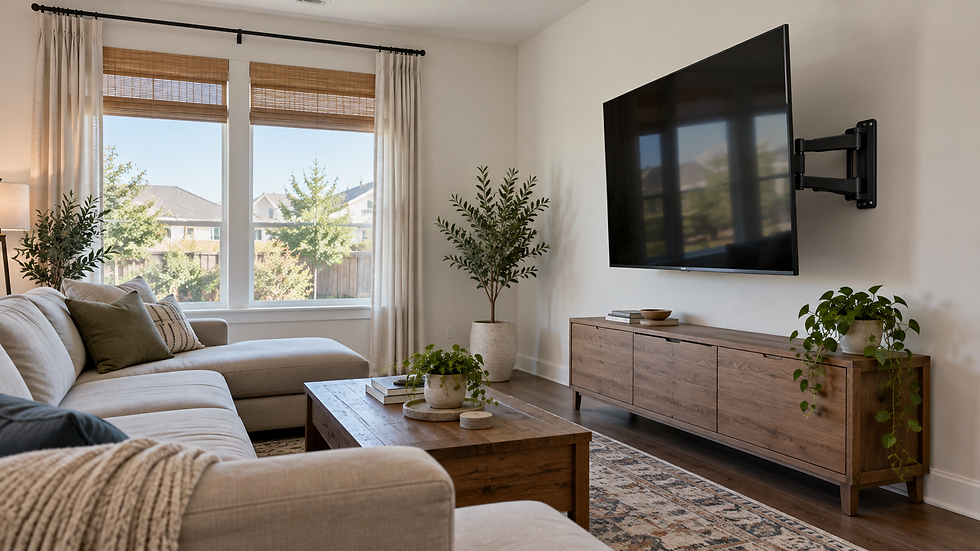
Soundbar Mounting in Houston: Wall Mount or TV-Attached?

Soundbar mounting in Houston is not one universal job. The soundbar can stay fixed on the wall or attach to compatible TV-mount hardware so it moves with a full-motion screen. The better choice depends on the exact TV, soundbar, wall, brackets, ports, speaker design, and cable path—not simply on which option looks cleaner in a product photo.
AtoZ Local’s live TV mounting service page confirms that soundbar mounting can be added to many TV mounting jobs. Compatibility depends on the TV, bracket, soundbar model, wall type, and available hardware, so a custom estimate is the right starting point when those details are not already confirmed.
Wall-mounted or TV-attached? Start with how the screen moves
Option 1: mount the soundbar to the wall
A wall-mounted soundbar stays centered on the wall even if the TV can swivel or extend. That can be a straightforward arrangement for a fixed or tilting TV mount, or for a room where the screen usually stays square to the wall.
The installation still needs model-compatible soundbar hardware, appropriate wall support, room for controls and ports, and the clearance required by the manufacturer. The soundbar should not cover the picture, TV sensor, ventilation openings, or any part of the screen that must remain accessible.
Option 2: attach the soundbar to compatible TV-mount hardware
A TV-attached soundbar bracket can let the soundbar follow the screen when a full-motion mount is extended or turned. That keeps the soundbar aligned with the viewing direction, but it adds another compatibility check: the TV mount, TV, soundbar bracket, and soundbar all need to work together within their published limits.
The bracket must also maintain clearance from the TV and keep the speaker level through the screen’s intended range of motion. Upward-firing speakers, rear ports, side controls, and unusual soundbar shapes may change what is practical.

There is no universal soundbar spacing rule
Manufacturer instructions can differ substantially. Samsung’s soundbar wall-mount guide uses at least 5 cm below the TV for the covered installation, while Bose’s Smart Soundbar 900 placement guidance calls for at least 4 inches between the top of that soundbar and the TV when wall mounted.
Those different published clearances are the practical reason not to copy a generic measurement from another installation. Use the exact model manuals and confirm whether the soundbar has upward-firing drivers, rear connections, removable wall brackets, or model-specific ventilation needs before drilling.
Plan the audio connection before choosing the cable path
Identify how the TV and soundbar will connect: HDMI ARC or eARC, optical, another supported wired connection, or a model-specific wireless option. Port locations and plug direction affect whether the cable can reach without a sharp bend, especially when the TV extends on a full-motion arm.
Samsung’s current soundbar setup guidance explains HDMI ARC and optical connection paths and directs owners back to the model manual when the menus or ports differ. Before mounting, test the TV, soundbar, remote functions, and every source device that will remain in the setup.
For a finished wall, separate cable appearance from electrical scope. AtoZ Local’s wire-concealment service page covers HDMI, optical, Ethernet, soundbar, and other low-voltage AV cable organization when the wall and path allow. AtoZ Local does not hide loose TV power cords inside walls; outlet relocation, new wiring, recessed outlets, or electrical corrections require the appropriate licensed electrical professional.
What to send before requesting a soundbar mounting estimate
Clear project details make it easier to determine whether wall-mounted or TV-attached hardware is the better fit. Send:
The TV brand, full model number, screen size, and approximate weight.
The soundbar brand, full model number, dimensions, and included mounting hardware.
The TV-mount brand and model, plus a photo of its label if it is already installed.
A straight-on photo of the complete wall and a side-angle photo showing the TV, console, outlets, and nearby obstacles.
The wall material if known, and whether the TV mount is fixed, tilting, or full-motion.
The planned connection—HDMI ARC/eARC, optical, or another method—and the location of each port.
Every connected device that will remain in the setup, plus the desired cable finish.
The service address and whether the project includes a fireplace, specialty surface, unusual height, or possible electrical work.
Choose the arrangement as one system
The TV height, soundbar position, mount movement, console, ports, device storage, and cable route affect one another. Deciding on the soundbar after the TV is already drilled into place can force a poor clearance or an awkward cable path. Plan both pieces together before installation begins.
AtoZ Local serves Houston, Katy, Sugar Land, Richmond, Cypress, Fulshear, West Houston, Memorial, Energy Corridor, Missouri City, and nearby Greater Houston areas. For a soundbar-only project or a TV-and-soundbar installation with uncertain hardware, request a soundbar mounting estimate with the model numbers and wall photos.
Frequently asked questions
Should a soundbar be mounted to the wall or attached to the TV?
A wall mount can work well when the TV stays in one position. A compatible TV-attached soundbar bracket can be useful when a full-motion TV needs the soundbar to move with the screen. The correct option depends on the exact TV, soundbar, TV bracket, soundbar hardware, wall, and required clearances.
Can any soundbar be mounted below any TV?
No. Mounting compatibility and clearance are model-specific. Check the soundbar and TV manuals, available mounting points, bracket limits, controls, ports, vents, and any upward-firing speaker requirements before choosing the hardware or spacing.
Can AtoZ Local conceal soundbar cables?
AtoZ Local can organize HDMI, optical, Ethernet, soundbar, and other low-voltage AV cables when the wall and cable path allow. Loose power cords are not hidden inside walls, and electrical changes require the appropriate licensed electrical professional.
What should I send for a soundbar mounting estimate in Houston?
Send the TV and soundbar model numbers, photos of the full wall and nearby outlets, the TV bracket model, the soundbar mounting hardware, the wall type if known, the desired viewing position, and a list of connected devices and cable-finish preferences.
Sources and editorial note
This article was prepared from AtoZ Local’s current service pages, current manufacturer guidance, first-party Search Console and Business Profile evidence, and a directional Google Trends check. Google Trends is normalized interest data, not keyword volume. Product instructions and service scope can change, so confirm the exact models and current project details before scheduling.
AtoZ Local — TV Mounting Services in Houston (verified soundbar-mounting scope, compatibility factors, and service area).
AtoZ Local — Wire Concealment Services in Houston (verified soundbar cable organization, low-voltage scope, and power limitations).
Samsung — Installing the Wall Mount of Your Soundbar (model-family mounting sequence, hardware, leveling, and 5 cm example clearance).
Bose — Smart Soundbar 900 Speaker Placement (model-specific wall-mount clearance guidance).
Samsung — How to Set Up Your Soundbar (HDMI ARC and optical connection planning).
Google Trends — U.S. search interest for soundbar, past five years (directional seasonal context only; not keyword volume).